ROCKMAN ZERO 3 · KOREAN MOD v1.0.0
Ride the wind.
Take flight as
Harpuia.
Twin sabers, wind blades, hovering and flight.
Harpuia takes the field in Rockman Zero 3.
01 · INTRODUCTION
Play as
Harpuia
A playable Harpuia fan mod
for Rockman Zero 3.
Harpuia is one of Neo Arcadia’s Four Guardians in the Rockman Zero series, a Reploid known for wind and lightning attacks and exceptional flight abilities.
This mod replaces Zero with playable Harpuia in Rockman Zero 3. His combat movements from Rockman Zero 1 and 2 have been adapted to Zero 3’s player combat system, with dedicated attacks and aerial movement.
The patch applies the Korean translation and title screen together with the mod to the supported Japanese base ROM. A separate Korean ROM is not required.
This page is an English guide to the Korean mod. In-game text and the offline patch tool remain in Korean.
02 · HARPUIA IN ZERO 3
The speed of twin sabers.
The freedom of the wind.
Move with the wind
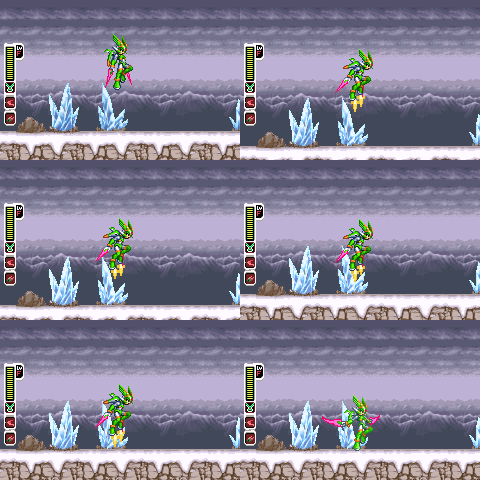
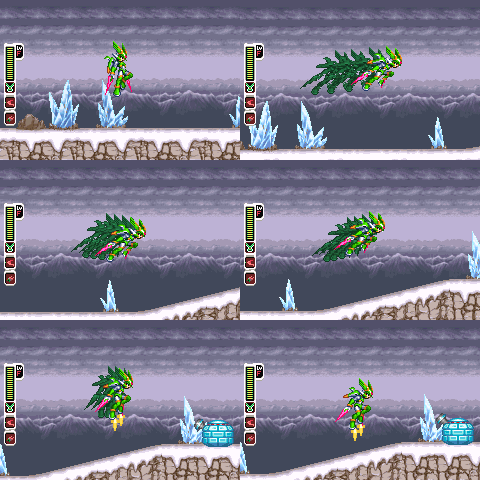
Inertia movement, hovering, and horizontal and vertical flight connect ground and aerial movement.
Fight with steel and wind
Harpuia uses twin sabers, wind blades, a twin-saber chain weapon, and a tornado barrier. The skill tables show inputs and actual gameplay.
Korean from the title screen
The release includes Korean menus and an offline patch tool. It checks the input ROM and saves the result as a separate file.
Hovering
Select outside the image or press Esc to close.
Horizontal flight
Select outside the image or press Esc to close.
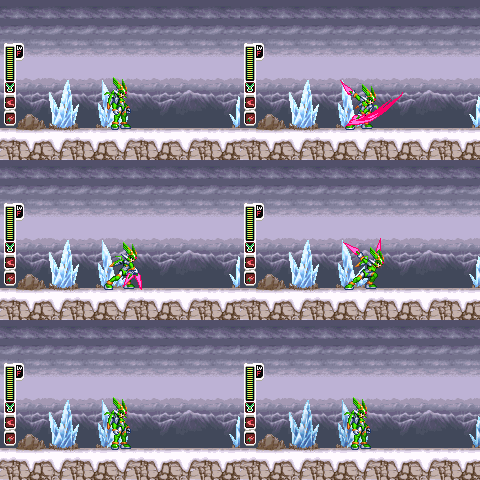
Twin-saber 3-hit combo
Select outside the image or press Esc to close.
03 · GETTING STARTED
Choose your ROM.
Begin a new battle.
Keep the original. Save a new file.
- Download the release ZIP and extract every file into a new folder.
- Open
하르퓨이아_패치도구.htmlin a browser such as Edge or Chrome. - Select the Japanese-ROM installation option and choose the supported
.gbafile. - After validation, use the tool’s save button to save the patched ROM as a new file.
- Open the new ROM in your emulator and restart it. Check a new game first.
The tool processes files locally in your browser without an internet connection. It checks input, patch, and output hashes and does not overwrite the original.
Output filename: Rockman Zero 3 (Korean) - Harpuia v1.0.0.gba.
04 · PLAY GUIDE
Open the guide you need.
Inputs refer to GBA buttons. Expand “Watch gameplay” to view each GIF. Scroll tables horizontally on narrow screens.
Supported Japanese base ROM
Use the original Japanese release of Rockman Zero 3 for installation. A matching filename alone does not establish compatibility.
| Game | Rockman Zero 3 (Japan) |
|---|---|
| Size | 8,388,608 bytes (8 MiB) |
| Game code | BZ3J |
| SHA-1 | ff7a801776dc76e6d8c7ef73a6660ae732934a3f |
v1.0.0 is distributed for installation from this Japanese base ROM. Other translations, mods, and development builds are not supported installation inputs. Check the tool’s file-validation result.
Basic controls · Hovering · Flight
| Action | Input |
|---|---|
| Move · Jump | D-pad · A |
| Main · Sub weapon | B · R+B |
| Hovering | Hold A while falling |
| Horizontal movement · Glide | L on the ground or in midair |
| Vertical ascent | Up+L |
| Cancel horizontal flight | Press the opposite direction or newly press A. Hold A to hover. |
Horizontal and vertical aerial movement share one use before landing. Landing restores that use; cancelling a flight does not. A held before flight begins does not count as a new cancel input.
Movement · Flight skills · 4
| Skill | Input · Gameplay |
|---|---|
| Hovering | Hold A while fallingWatch gameplaySelect the image to view the original |
| Inertia movement and turning | D-padWatch gameplay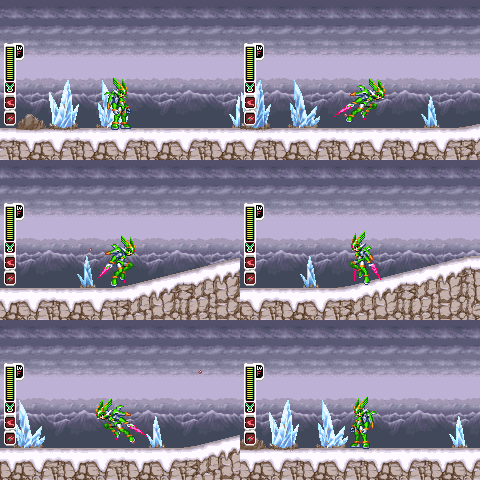 Select the image to view the original |
| Horizontal flight | L in midairWatch gameplaySelect the image to view the original |
| Vertical ascent | Up + LWatch gameplay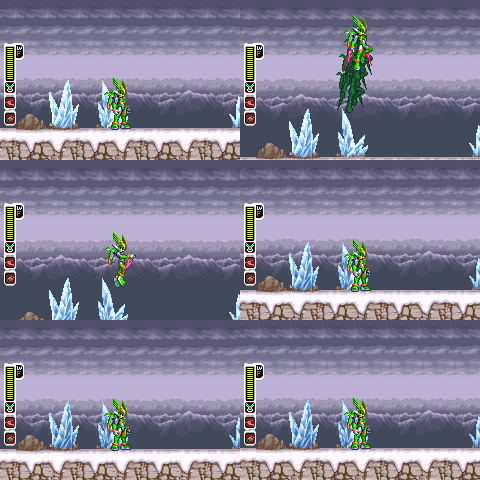 Select the image to view the original |
Twin-saber · Wind-blade skills · 7
| Skill | Input · Gameplay |
|---|---|
| Twin-saber 3-hit combo | Press the saber attack repeatedlyWatch gameplaySelect the image to view the original |
| Charged saber | Hold R+B to charge; keep R held and release BWatch gameplay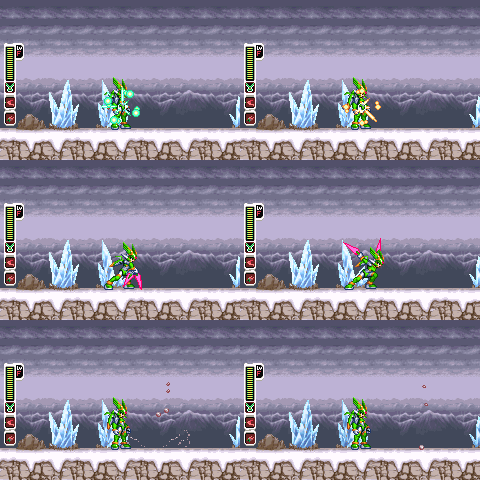 Select the image to view the original |
| Wind blade | BWatch gameplay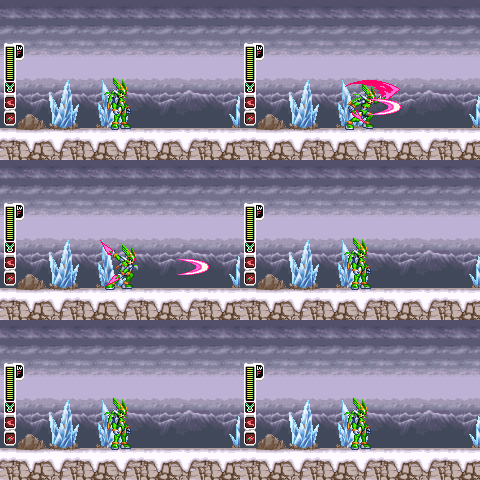 Select the image to view the original |
| Partially charged wind blade | Charge B briefly, then releaseWatch gameplay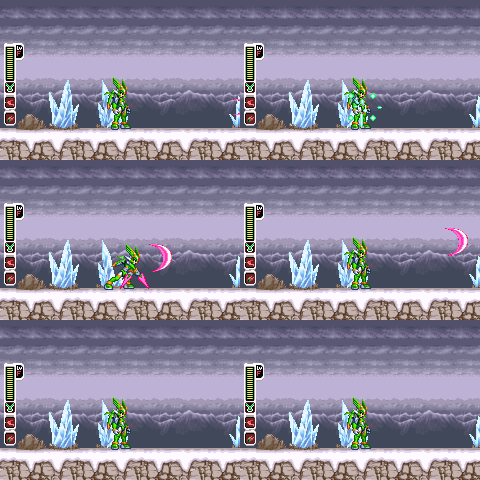 Select the image to view the original |
| Fully charged wind blade | Fully charge B, then releaseWatch gameplay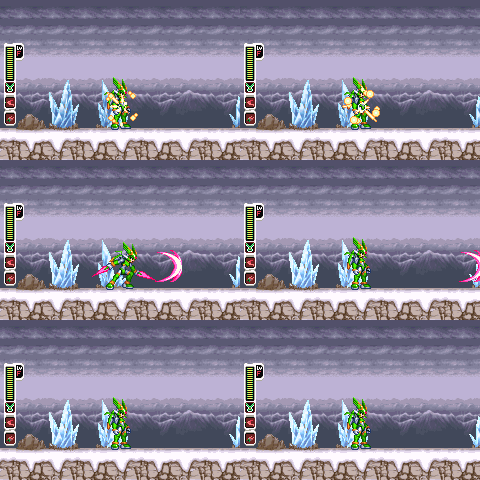 Select the image to view the original |
| Aerial twin sabers | R+B in midairWatch gameplay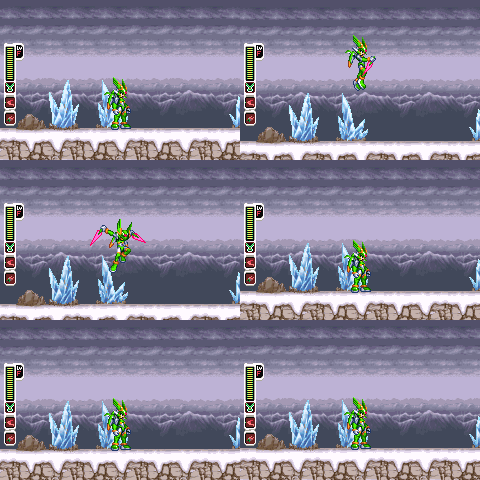 Select the image to view the original |
| Dashing twin sabers | R+B while dashingWatch gameplay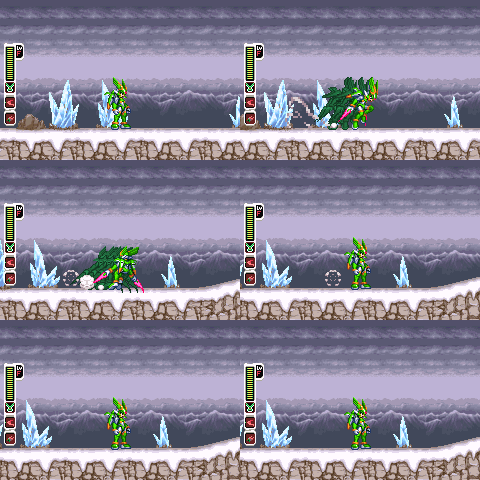 Select the image to view the original |
Additional weapon skills · 4
| Skill | Input · Gameplay |
|---|---|
| Twin-saber chain weapon | Equip the twin-saber chain weapon and attackWatch gameplay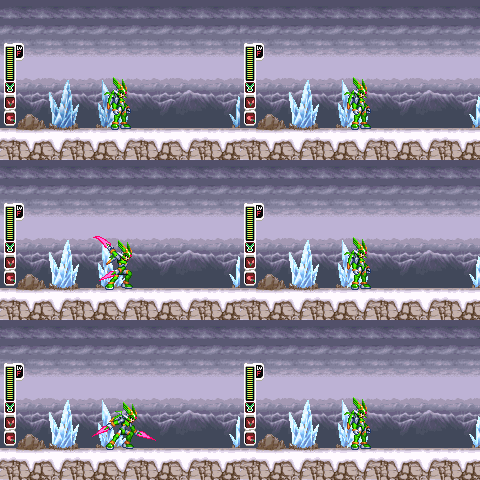 Select the image to view the original |
| Charged twin-saber chain | Charge the twin-saber chain weapon, then releaseWatch gameplay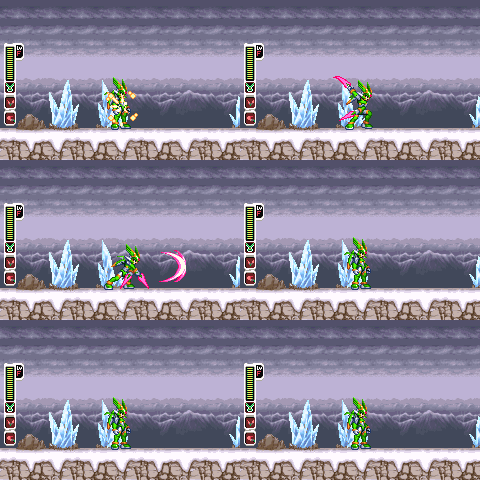 Select the image to view the original |
| Tornado shield | Equip the tornado barrier and hold BWatch gameplay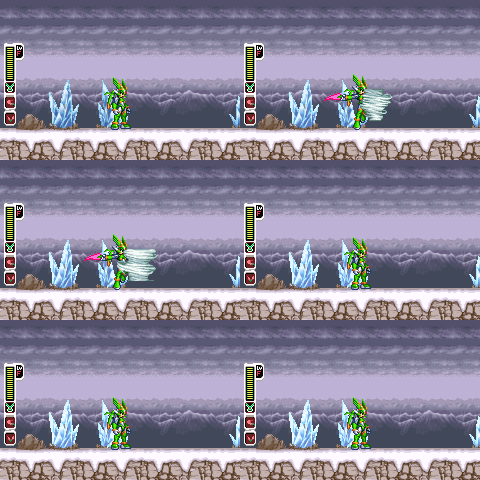 Select the image to view the original |
| Returning tornado | Fully charge the tornado barrier, then releaseWatch gameplay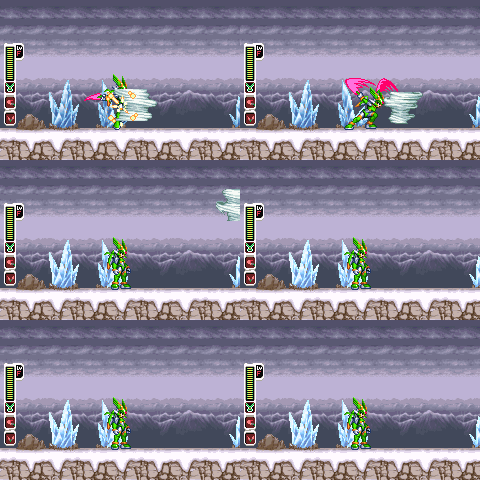 Select the image to view the original |
Hidden skills
Beyond the basic moves, additional skills and an awakening become available after certain conditions are met. The button below reveals unlock conditions and controls.
Hidden elements
These records cover EX skills and awakening. Awakening requires specific inventory conditions. Details remain collapsed for players who prefer to discover them.
Reveal awakening conditions
Awakening unlocks when you own all 4 weapons, 12 EX skills, 4 head parts, 6 body parts, and 8 foot parts. You do not need to enable every EX skill or equip particular parts.
A new game begins with basic equipment. Additional equipment and growth items are earned through progression. Once the conditions are met, press Select+L+R to toggle awakening. Awakening is cleared when the player is recreated.
Horizontal and vertical flight share one use normally and two uses while awakened. Landing restores the uses.
Awakened skill controls · Gameplay
These moves are used while awakened. Saber attack is B when equipped as the main weapon, or R+B as the sub weapon. R+B takes priority over direction+R skills.
| Skill | Input · Gameplay |
|---|---|
| Boss triple wind-blade combo | Select+BWatch gameplay Select the image to view the original |
| Awakening | Select+L+RWatch gameplay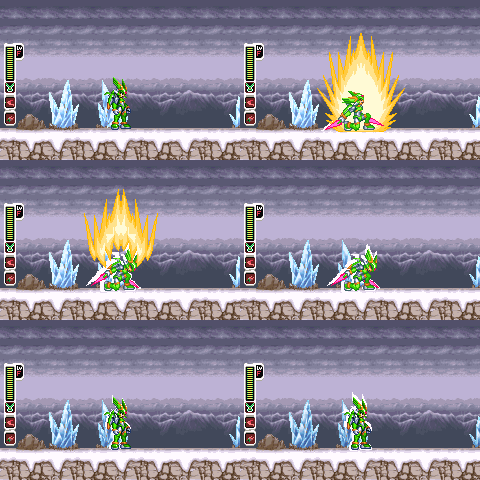 Select the image to view the original |
| Awakened rising wind blade | Up+R while awakenedWatch gameplay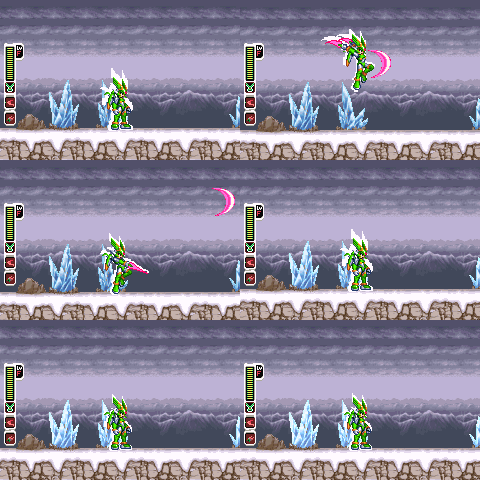 Select the image to view the original |
| Awakened rushing wind blade | Left or Right+R while awakenedWatch gameplay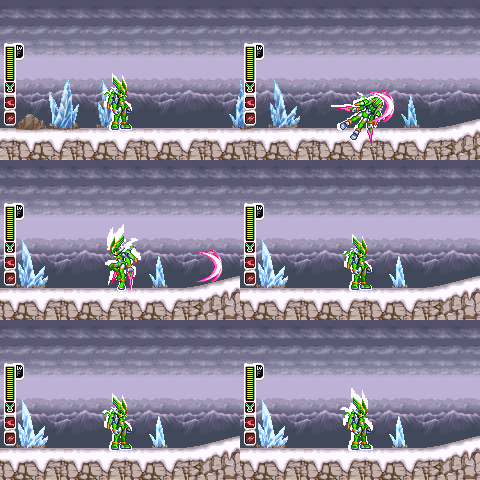 Select the image to view the original |
| Awakened low-flight wind blade | Down+R while awakenedWatch gameplay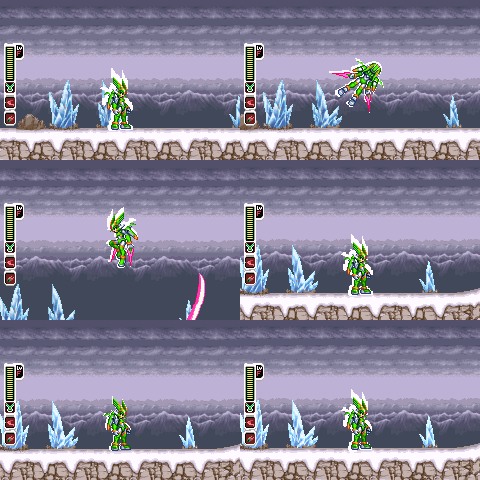 Select the image to view the original |
| Lightning Descent | Fully charge the saber while awakened, then releaseWatch gameplay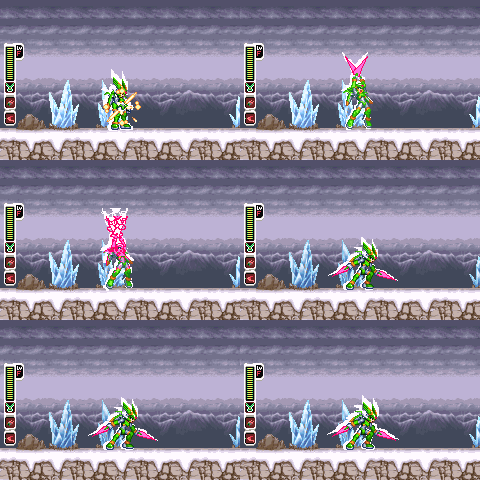 Select the image to view the original |
Lightning Descent uses up to five lightning projectiles. Actual damage depends on the enemy’s resistance and invulnerability frames.
EX skill table · 12
Owning an EX skill does not enable it: select it in the equipment menu. Elemental skills require the corresponding chip. For a sub-weapon EX skill, hold R first, then press direction+B.
| Skill | Input · Gameplay |
|---|---|
| Large Wind Blade EX | Enable the EX skill; fully charge B, then releaseWatch gameplay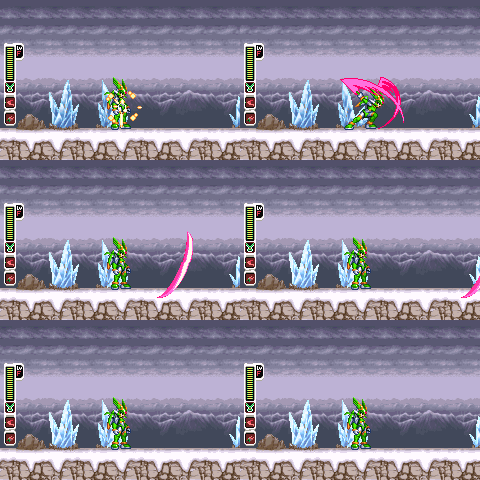 Select the image to view the original |
| Electric Twin Wind EX | Equip the Thunder Chip and enable the EX skill; use a fully charged wind bladeWatch gameplay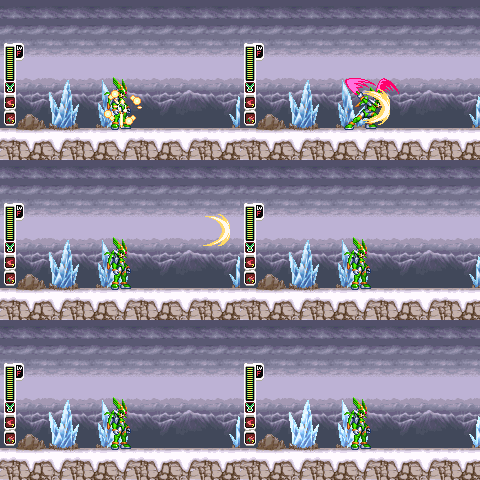 Select the image to view the original |
| Scattering Flame Wind EX | Equip the Flame Chip and enable the EX skill; use a fully charged wind bladeWatch gameplay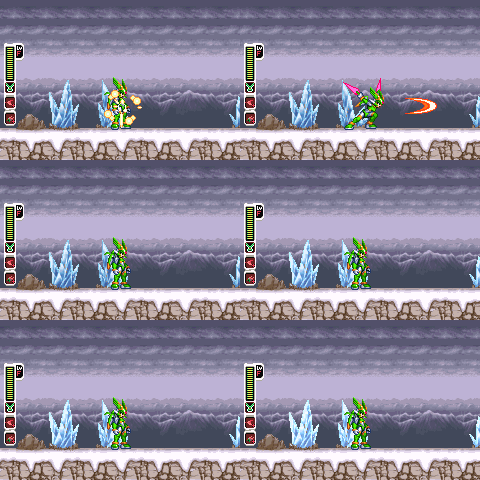 Select the image to view the original |
| Freezing Wind Chain EX | Equip the Ice Chip and enable the EX skill; use a fully charged wind bladeWatch gameplay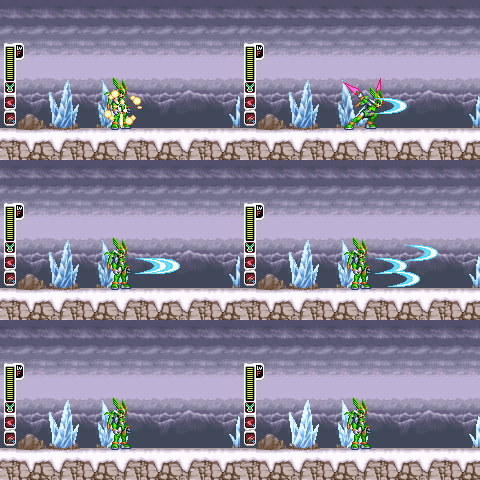 Select the image to view the original |
| Rushing Wind Blade EX | Enable the EX skill; use the saber while dashingWatch gameplay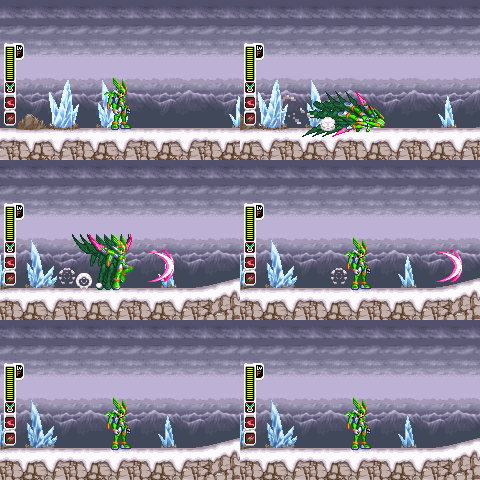 Select the image to view the original |
| Diving Twin Sabers EX | Enable the EX skill; Down+saber attack in midairWatch gameplay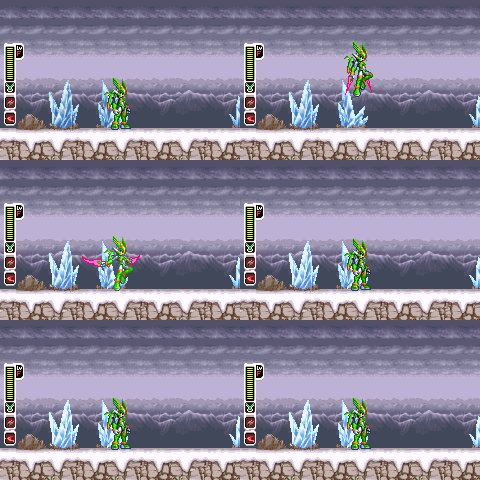 Select the image to view the original |
| Rising Blade EX | Enable the EX skill; Up+saber attack on the groundWatch gameplay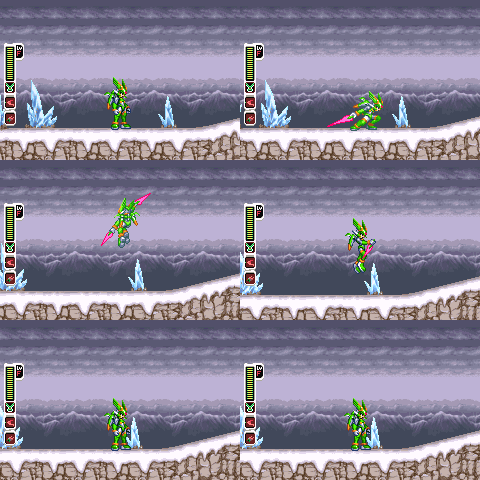 Select the image to view the original |
| Large Sonic Boom EX | Enable the EX skill; Down+saber attack on the groundWatch gameplay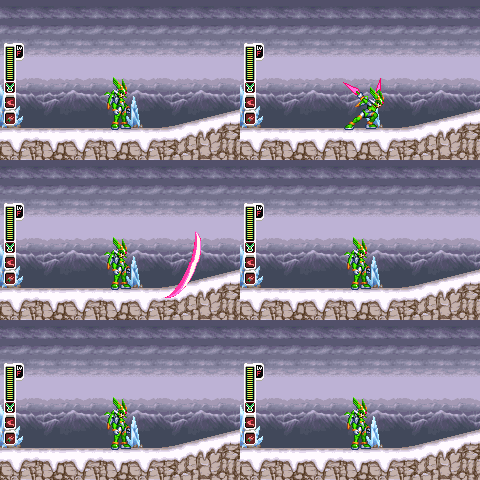 Select the image to view the original |
| Continuous Twin Sabers EX | Enable the EX skill; repeatedly attack with the twin-saber chain weaponWatch gameplay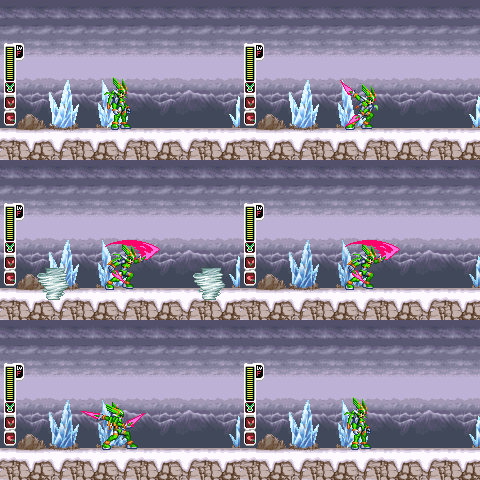 Select the image to view the original |
| Scattering Tornado EX | Enable the EX skill; Up+charged twin-saber chainWatch gameplay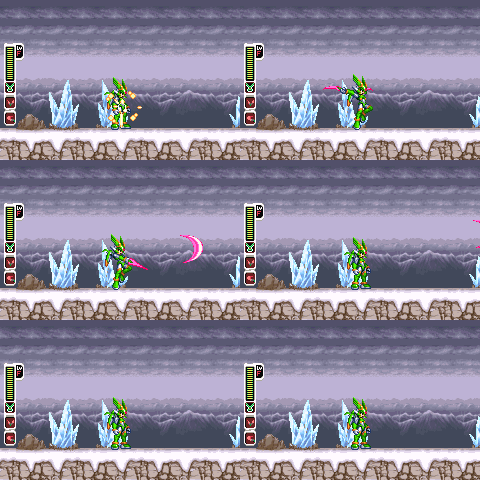 Select the image to view the original |
| Ground Wind Blade EX | Enable the EX skill; charged tornado barrierWatch gameplay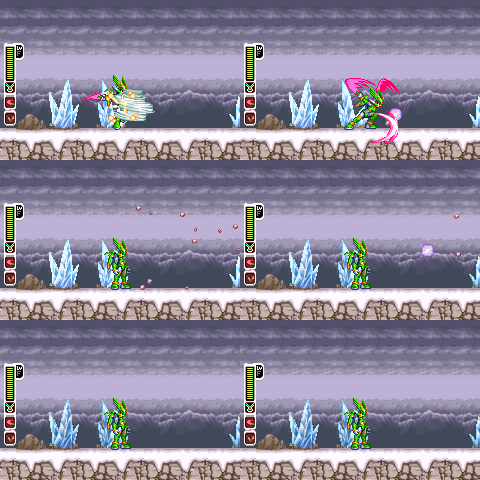 Select the image to view the original |
| Orbiting Tornado EX | Enable the EX skill; Down+charged tornado barrierWatch gameplay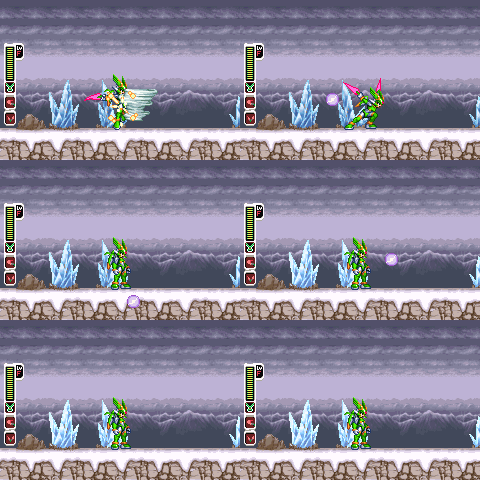 Select the image to view the original |
Existing saves · Restore the original ROM
Close your emulator and back up the .sav file first. Compatibility with every existing save has not been verified. Older save states can retain previous code and graphics; restart the new ROM and use an in-game save instead.
Choose 「일본판 원본으로 복원」 (restore the Japanese original) and load the ROM produced by this v1.0.0 package to save a restored Japanese original. Restoration also removes the Korean translation and does not modify saves.
Verification · Report a problem
The development record includes eight first-stage scenarios and 19,600 frames in mGBA, covering hovering poses, movement, attack-pose preservation, flight sound transitions, and menu pause/resume. The formal v1.0.0 package contains a separate nine-scenario, 21,450-frame execution record and three reward-test conditions totalling 7,500 frames.
Patch and restoration output bytes were compared using the IPS and browser patch engines. The 33 skill GIFs were captured from actual game execution. Full-stage completion, every terrain/equipment/effect combination, save compatibility, and sound mixing still require further verification.
When reporting an issue, include emulator name and version, mod version, stage, equipment or skill, and reproduction steps. See 먼저읽기.txt and 검증결과.json in the ZIP for details.
SHARE THE HARPUIA EXPERIENCE
Familiar stages.
A new way to move.
Fight with twin sabers on the ground and ride the wind through the air. Harpuia’s movement and combat bring a new approach to Zero 3’s familiar battlefields. Player experiences help guide future improvements.